How to Use Your MIDI Controller as a Stream Deck (Without Buying New Hardware)
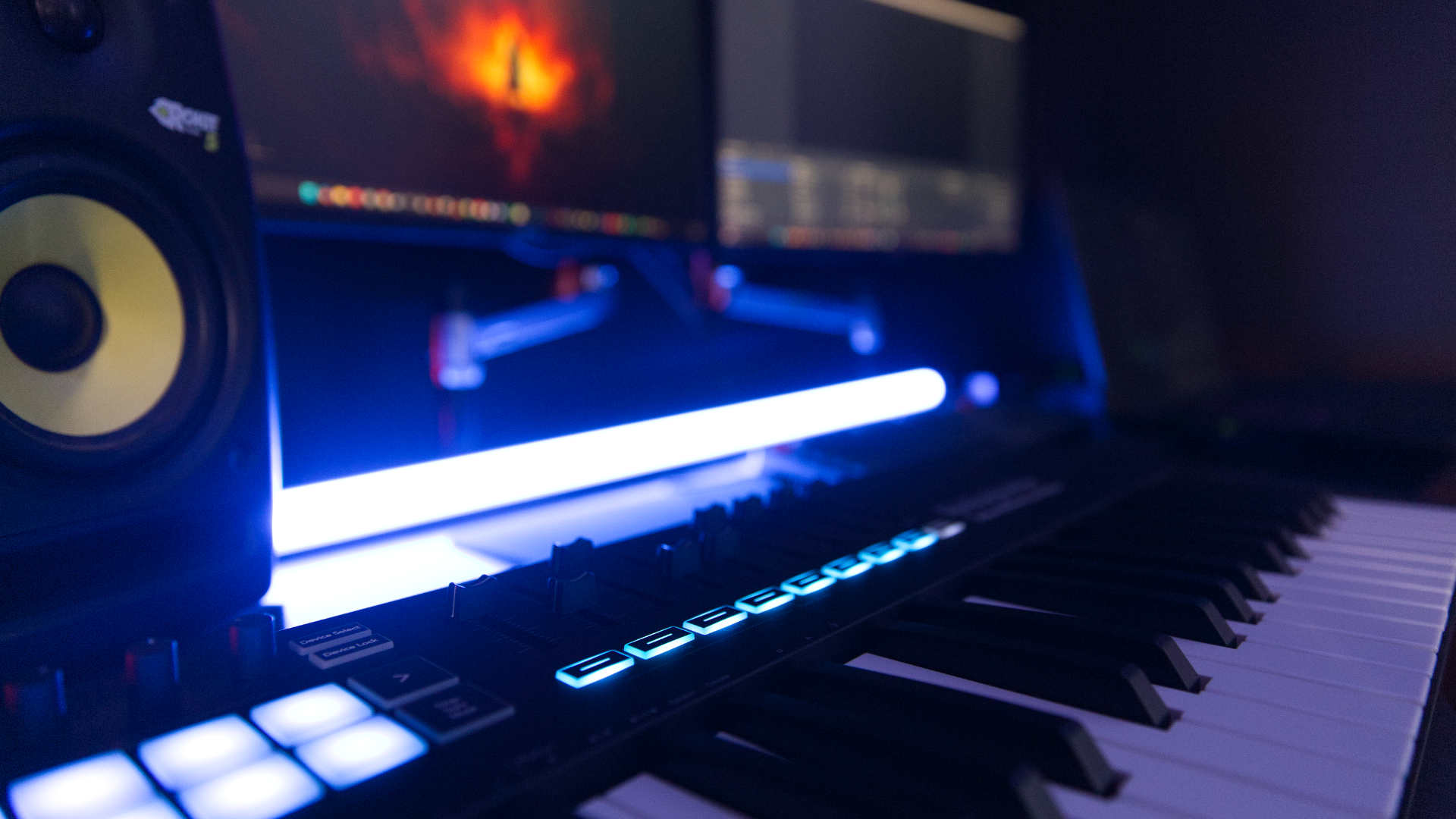
The Elgato Stream Deck is a super useful piece of gear. It costs between $80 to $300 USD depending on the model. What you're paying for is a programmable keypad with a small LCD icon under each button.
If you already own a MIDI controller you already have the programmable keypad.
Tools such as Midi2Macro can help you turn your existing device into a macro controller that does most of what the Stream Deck does without buying one.
Shortcuts, app launches, sound effects and OBS control all work from a MIDI controller. What you don't get is a screen on each key showing icons and live status.
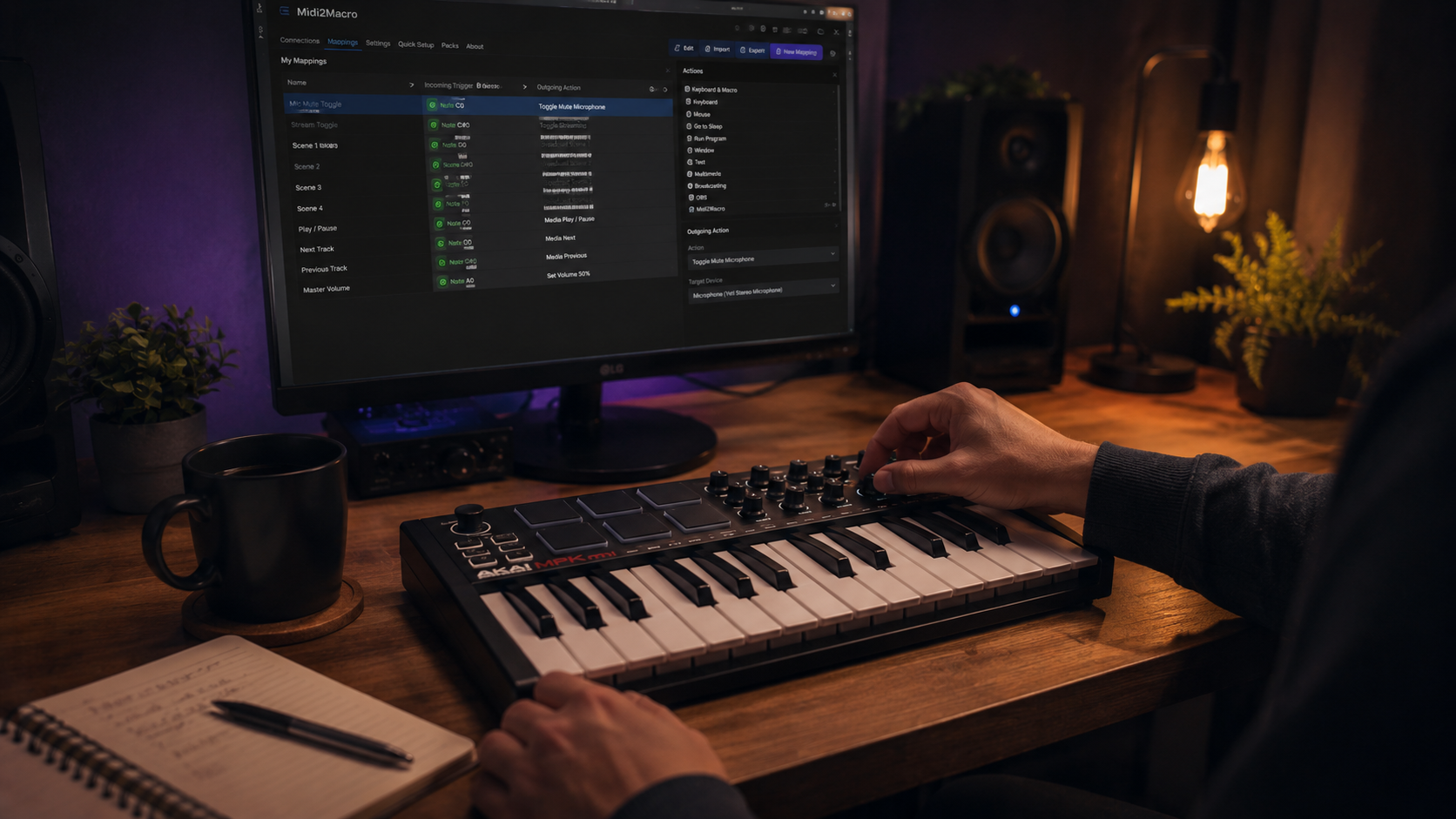
Why MIDI controllers work as macro pads
MIDI pads and keys are built for one job: getting pressed often and sending out a signal about which key was hit. That happens to be the same job as pressing a button on a Stream Deck. The hardware is made for repeated tactile input, which is exactly what a shortcut trigger needs.
Two things separate them. A Stream Deck puts an LCD display under each key so you can see what every button does or show a live status. A MIDI controller does not.
And the Stream Deck's software is built around named app integrations, where Midi2Macro works at the level of keyboard shortcuts abd custom commands, which is lower-level but covers more ground.
Label your pads with a strip of tape, use custom modes if you're on a Launchpad or memorise the layout and you're most of the way there.
What you can trigger from a MIDI controller
| Category | Examples |
|---|---|
| OBS | Scene switches, start/stop recording, mute mic, trigger transitions |
| OBS - Fader/Rotary | Control volume of audio device |
| Apps | Launch Discord, Spotify, browser, project folder |
| Editing | Cut, ripple delete, mark in/out in any video editor |
| Shortcuts | Any keyboard combination an app accepts |
| Sound effects | Play a sample file (version 2.0) |
| System | Lock screen, screenshot, snap windows |
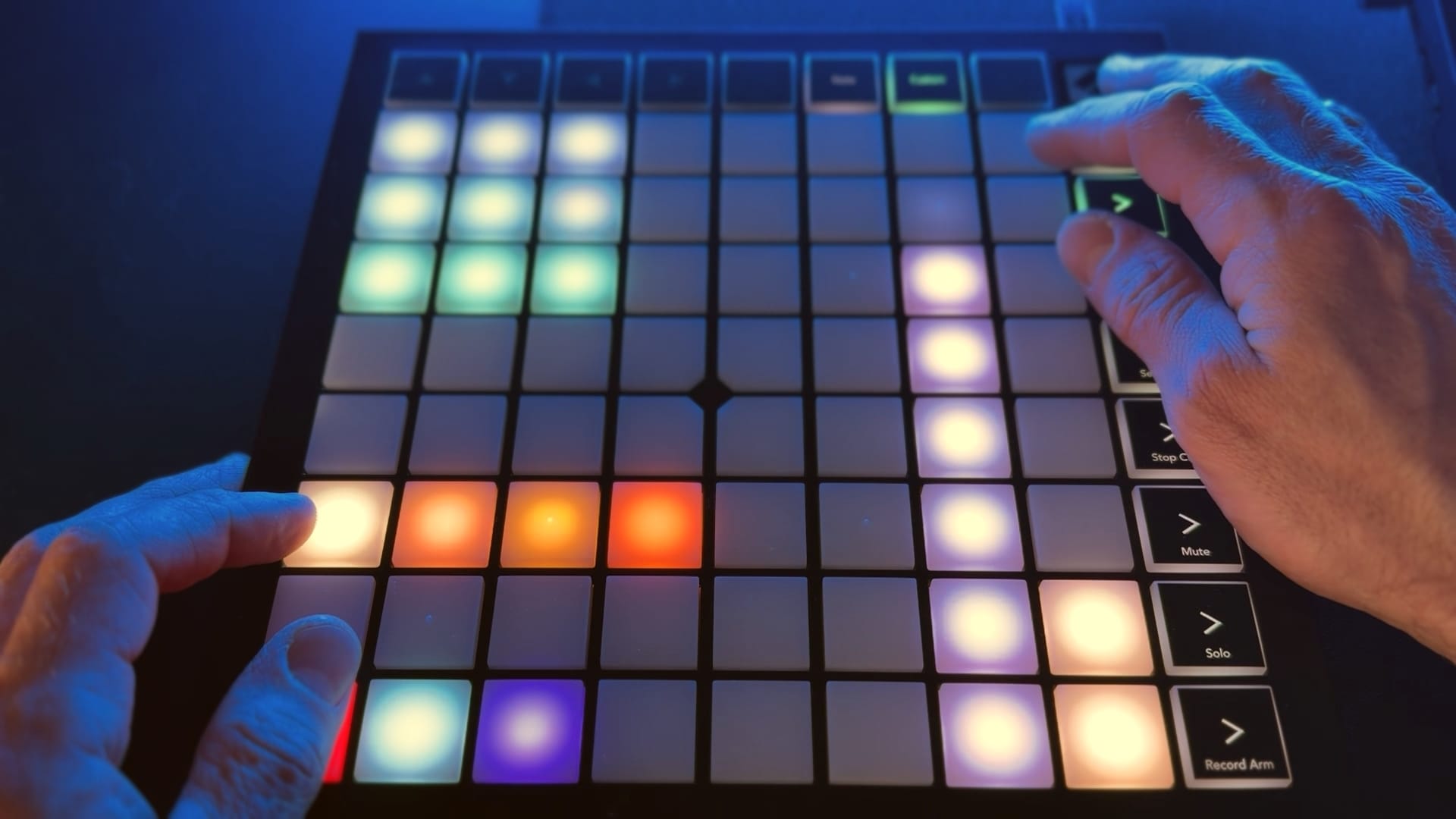
Setup, end to end
Plug in your MIDI controller. Most are USB class-compliant and need no drivers.
Download Midi2Macro. It is free for up to 5 macros, and Pro is a single payment for unlimited.
Open Midi2Macro. Your controller appears in the device list.
Press a pad. Midi2Macro shows the incoming note.
Choose what the pad does: launch an app, open a folder, fire a keyboard shortcut, or play a sound.
Save, then press the pad to confirm it.
Repeat for as many pads as you need.
The first macro takes a minute or two. By the third or fourth, the pattern is second nature.
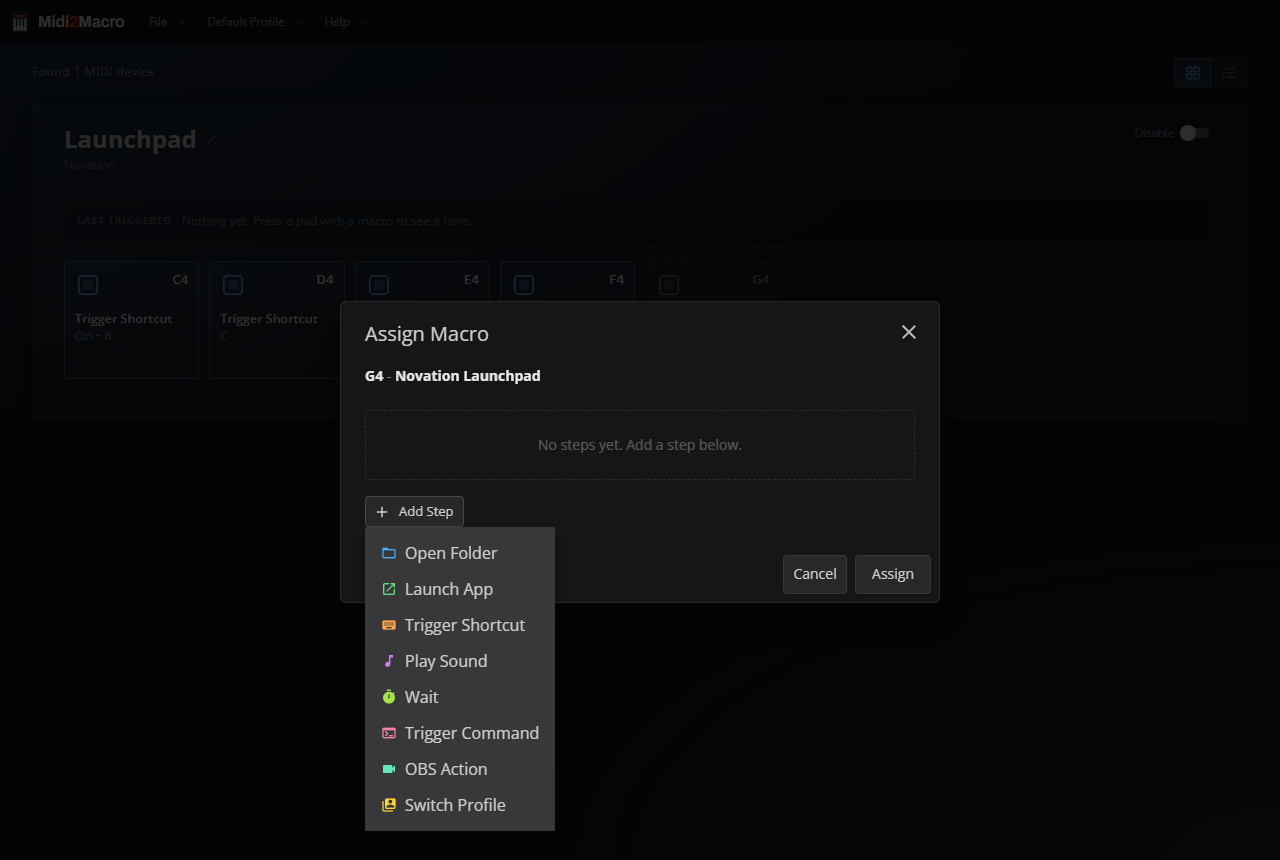
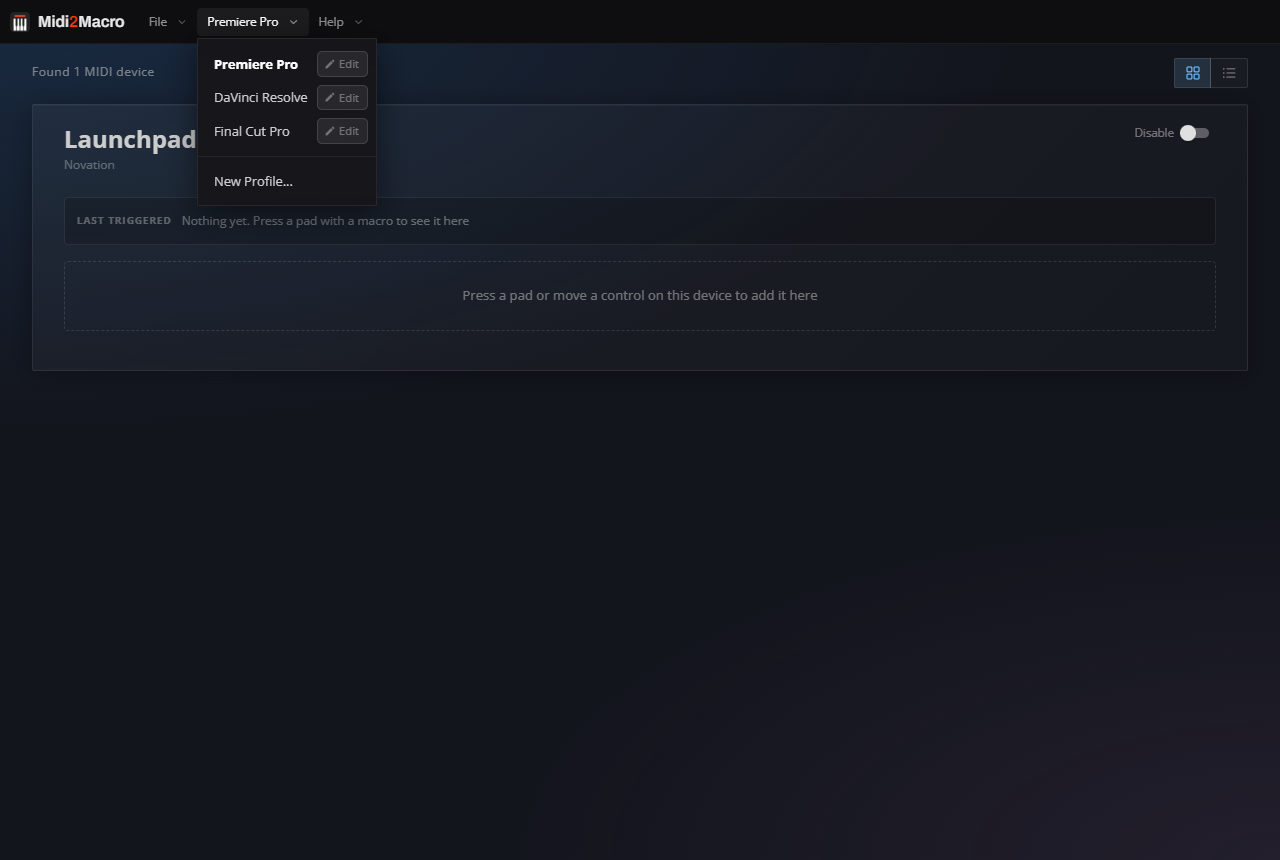
Multiple layouts in version 2.0
A single controller can hold several complete layouts. One is your streaming setup, another your editing shortcuts, a third your music or productivity layout. A pad on each one switches to the next, so the same hardware does the work of three separate Stream Decks.
| Layout | Contents |
|---|---|
| A | Streaming (OBS scenes, mic mute, recording, sound effects) |
| B | Editing (cut, ripple delete, mark in/out, undo) |
| C | Music or general productivity (DAW shortcuts, app launching) |
Controllers that work well
You do not need to buy anything if you already own a MIDI device. If you are starting from scratch, these are the usual entry points.
| Controller | Layout | Why it works |
|---|---|---|
| Novation Launchpad Mini | 8x8 grid, 64 pads | Plenty of pads, USB powered, around $90 new and cheap second-hand |
| Akai APC Mini | 8x8 grid, 64 pads | Same idea as the Launchpad, similar price |
| Akai LPD8 | 2x4 grid, 8 pads | Compact, around $60, fine for a focused setup |
| Arturia BeatStep | 16 pads + encoders | The pads work; encoders are not currently mapped |
| Any MIDI keyboard | Keys | Each key is a button, comfortable for long sessions |
| Behringer FCB1010 | 10 foot switches + 2 expression pedals | Hands-free control for streaming |
What you give up versus a Stream Deck
The LCD icons, mainly. If you change layouts often and need to see what is under each button, the Stream Deck does that better. If you settle into a layout and learn it, which most people do within a week or two, the icons matter less than they first appear.
You also lose the Stream Deck plugins built specifically for it, like Discord integration with rich presence. Most of those can be rebuilt from keyboard shortcuts, which Midi2Macro handles, but a few have no keyboard equivalent.
What you keep
The money, mostly. A Stream Deck Mini runs around $100 and the XL is $250. Midi2Macro Pro is $20 if you already own the controller, and free if 5 macros covers what you need.
Download at midi2macro.com.